Video effect

Uptown Funk AI Dance Template for TikTok and Reels

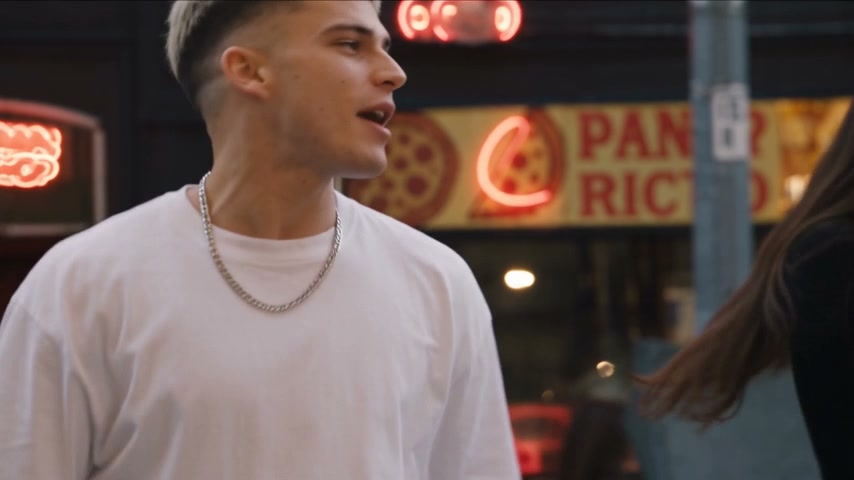
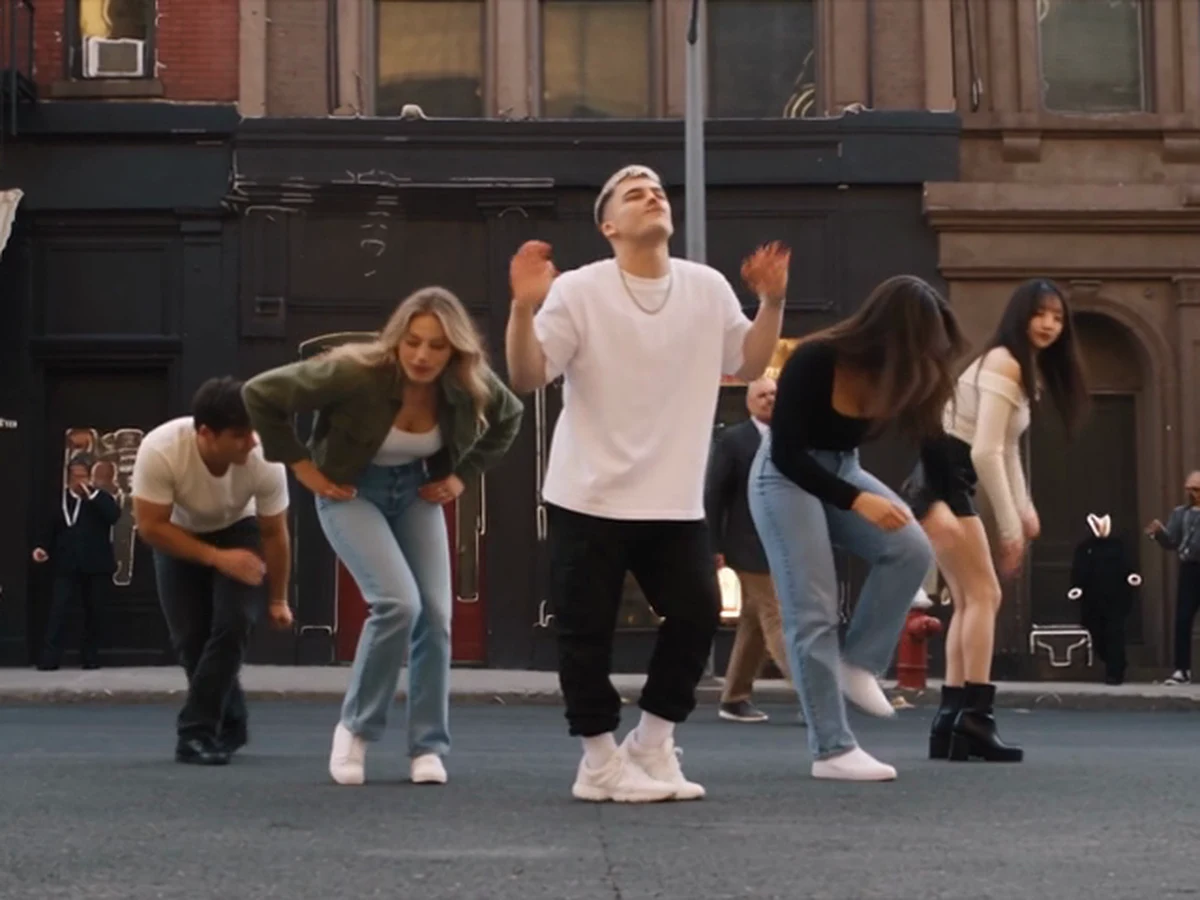
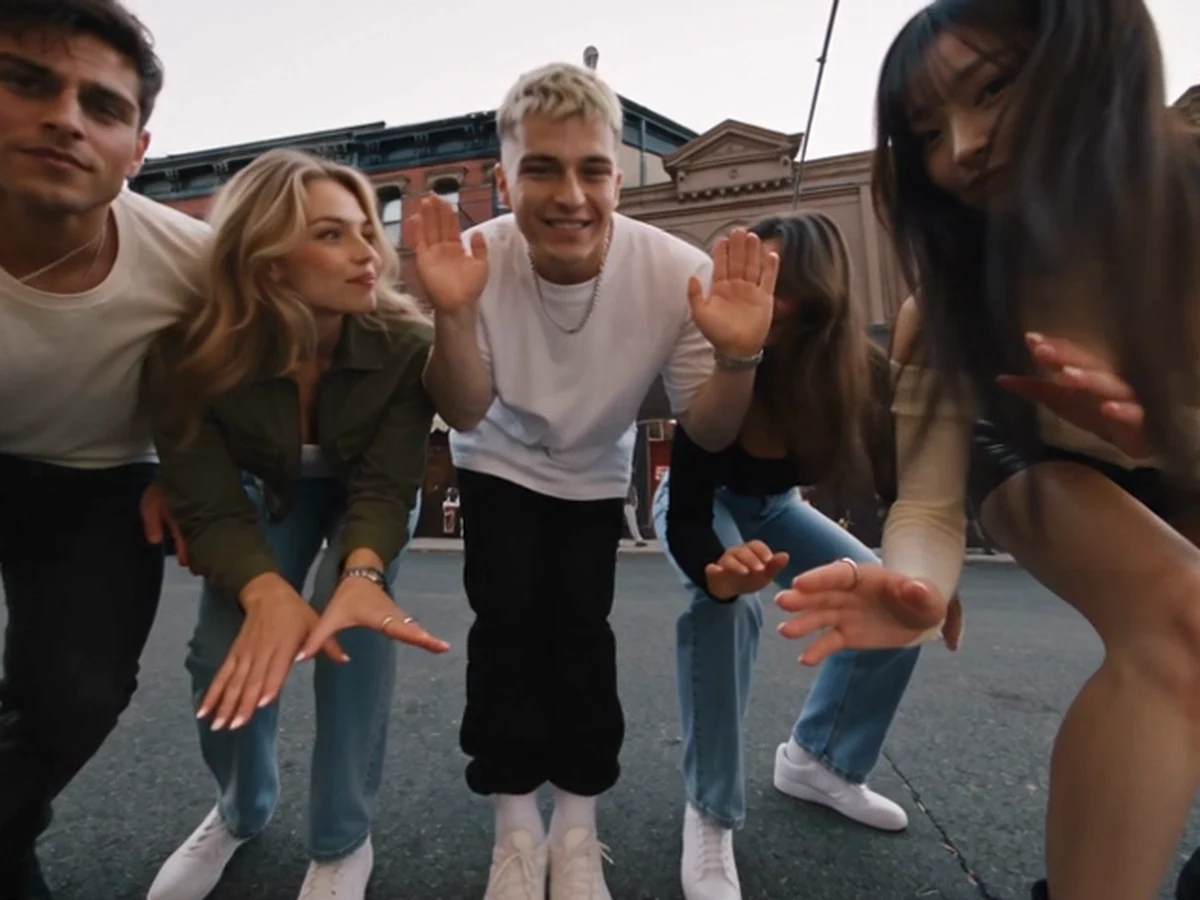
TryViralAI Uptown Funk AI turns 1 to 5 photos into a 15-second widescreen 16:9 street dance video for TikTok and Reels with the "Uptown Funk" song. Put your lead in the middle, add up to four friends as backup dancers, and pick one theme for the whole row. Get your 720p video for $9.90 with guest checkout, no sign-up and no app.

Uptown Funk AIThis effect is built into the page and cannot be removed.
15s · 16:9
Video length
15 secondsThe whole street dance500 credits
Quality

Sharper on laptops, tablets and TVs.

No account needed: pay once and your video starts right here.
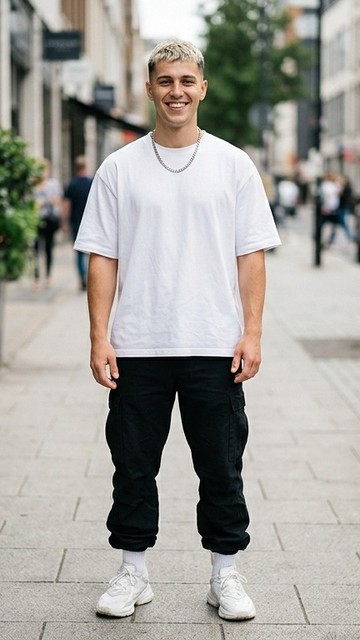
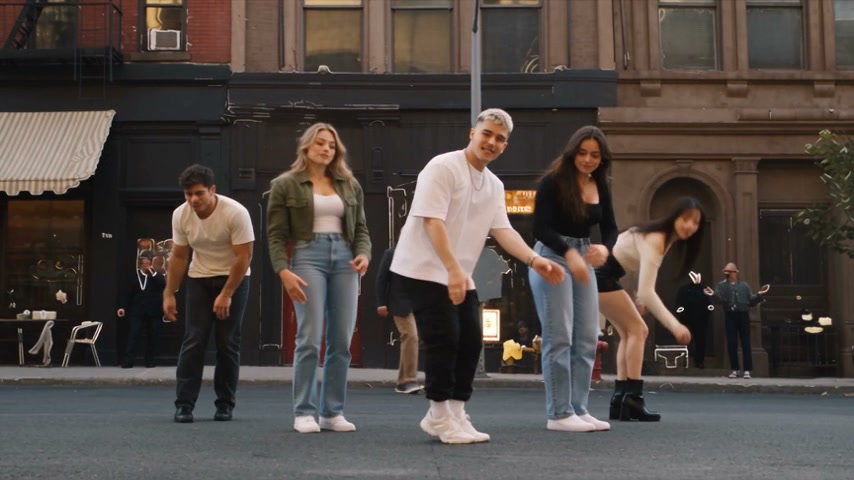
  1. Row
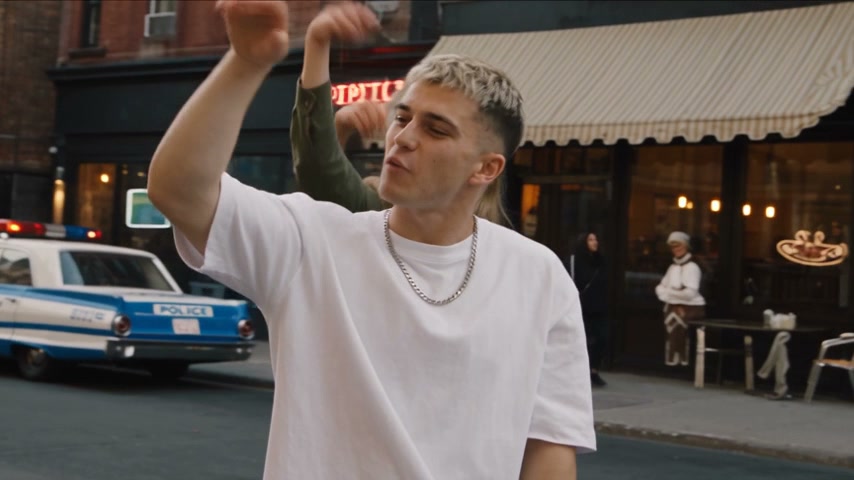
  2. Solo
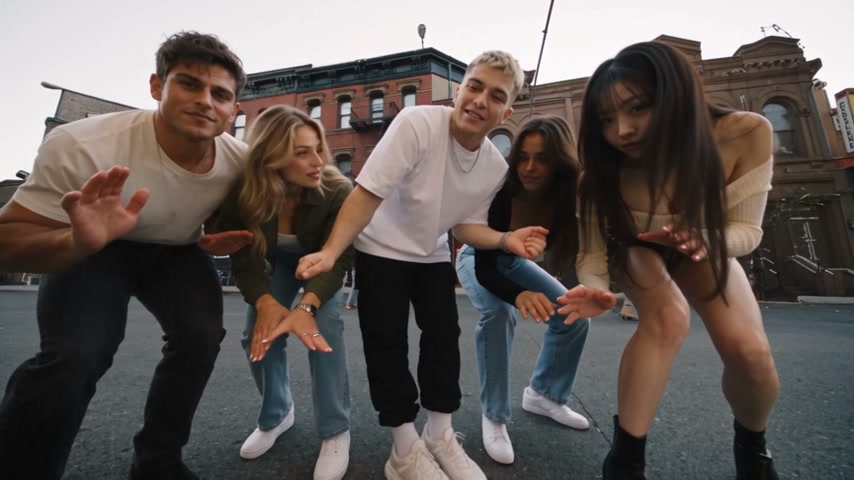
  3. Low angle
  4. Close-up

What Is the Uptown Funk AI Trend?

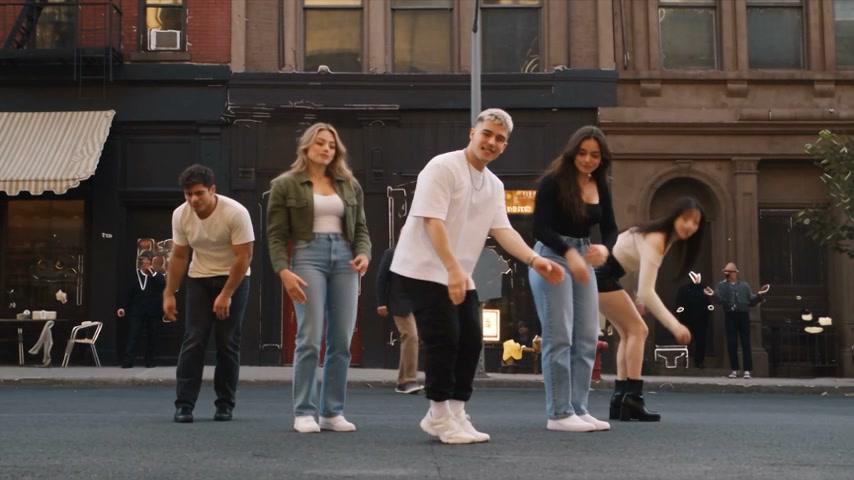
Uptown Funk AI is the AI dance video trend built on the street routine of the "Uptown Funk" music video, where people put a new row of five in the street, one leading in the middle, everyone dressed to fit the crew, with the song playing. You play a casting game: pick who leads, pick who flanks, and choose what everyone wears. The trend also goes by the Uptown Funk AI video, the AI Uptown Funk video, and the Uptown Funk AI dance.

Mark Ronson put out "Uptown Funk" in 2014, with Bruno Mars singing, as the first single from his album Uptown Special. It held the top spot of the Billboard Hot 100 for fourteen weeks, and at the 2016 Grammys it took Record of the Year. Its music video, directed by Cameron Duddy and Bruno Mars, shows the band dancing down a New York-style city street and has passed 5.6 billion views on YouTube. The trend keeps its street routine: the arms-up wide shot, the low-angle crouch, the kick step, and the lean-in finish.

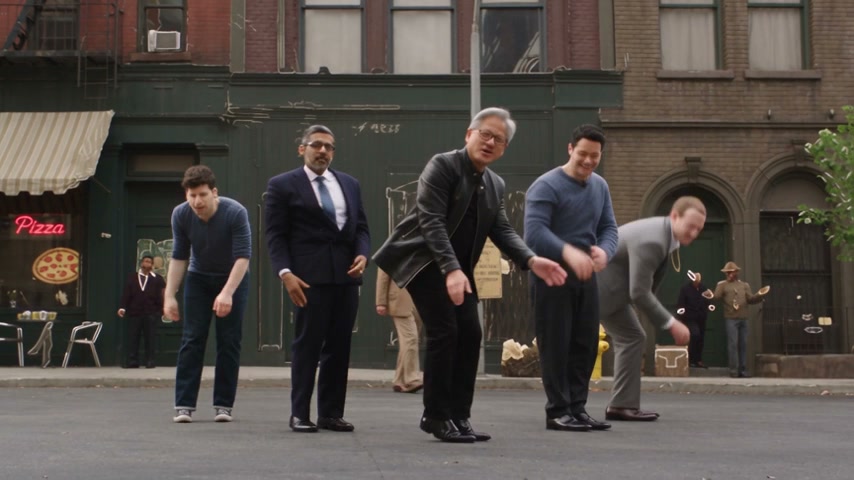
On October 7, 2026, Gary Lau (@garylau_ai) posted an AI version on X with five tech CEOs in the row, Elon Musk leading in the middle with Jensen Huang, Sam Altman, Mark Zuckerberg, and Sundar Pichai. That same day it reached Bilibili, where the views climbed past 1.5 million plays. Since then, people have made it with crews of their own: TV casts, sports teams, superhero teams, and game characters. The street, the moves, and the cuts stay the same.

TryViralAI gives you our Uptown Funk AI template with the street routine, the city street, and the "Uptown Funk" song built inside it. Put your lead in photo 1 for the middle spot, add photos 2 to 5 for the four backup spots, and new dancers fill any empty spot. Pick one theme for the whole row and get a 15-second widescreen 16:9 video in 720p or 480p for TikTok and Reels. Pay $9.90 at 720p with guest checkout right in your browser, with no app.

What Makes Uptown Funk AI Stand Out

The Street Routine and Song Built In

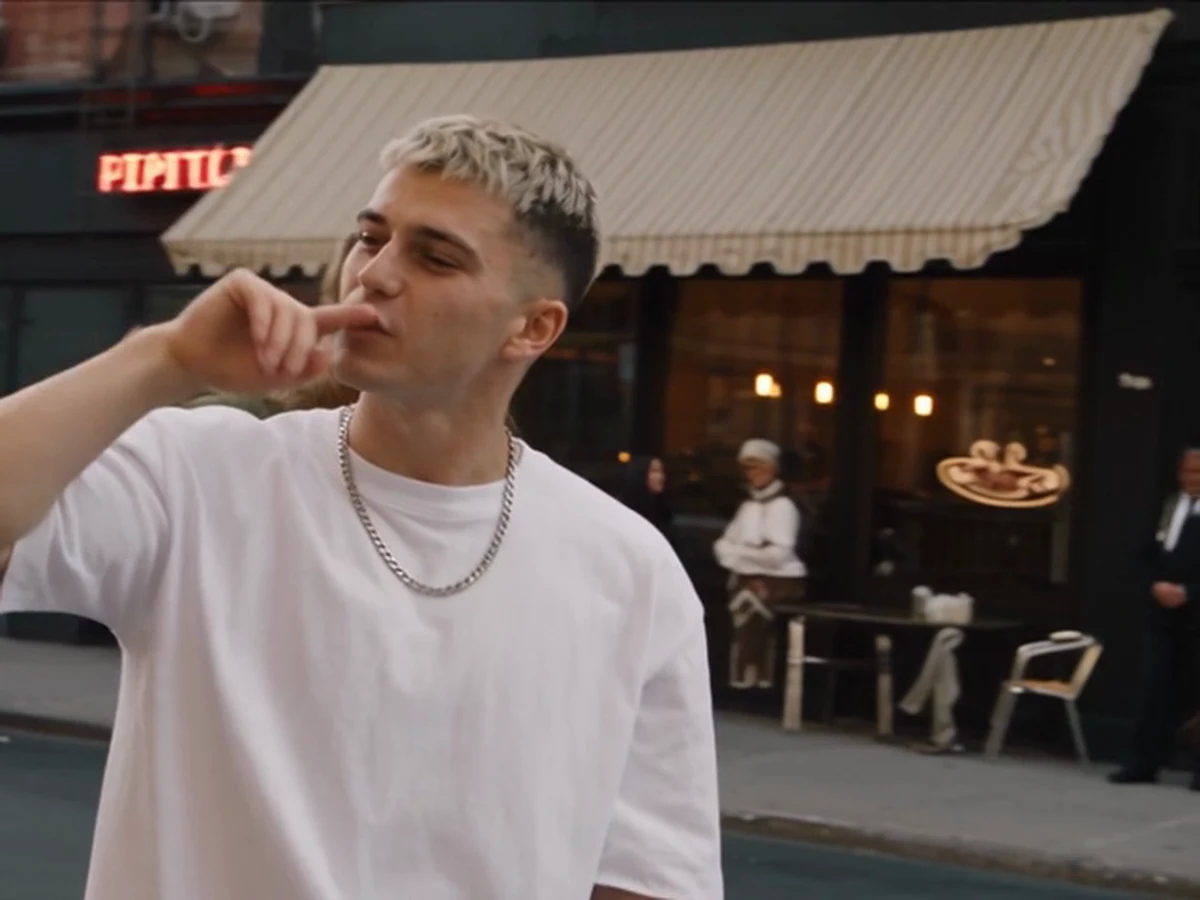
Dance the complete street routine on the city street through the arms-up wide shot, the lead's solo shot, the low-angle crouch, the kick step toward the camera, the lowest-angle crouch, the lead's close-up and the lean-in finish. Our Uptown Funk AI template includes the "Uptown Funk" song from the first second, so you face no editing, no clips to find, no songs to add and no dance moves to learn.

The Street Routine and Song Built In
Cast Your Lead in the Center Spot

Cast Your Lead in the Center Spot

Photo 1 places your lead in the center of every group shot and gives them the only solo shot and close-up, keeping their real face and hair while leaving out the photo background. Our Uptown Funk AI template adapts to your lead, so uploading a cartoon, anime or game character turns the whole video into that art style.

Fill the Flanks With Four Backup Dancers

Add photo 2 for the far left, photo 3 for the far right, photo 4 for the inner left and photo 5 for the inner right, with the outer dancers appearing largest in the low-angle crouch shots. Our Uptown Funk AI template adds a new dancer in your crew's style for any empty spot so your line-up always holds five, and five photos cost the same as one.

Fill the Flanks With Four Backup Dancers
Pick One Theme for the Whole Row

Pick One Theme for the Whole Row

Choose Keep my look, Tech CEOs, Wizard school or Football team to dress your entire crew while keeping everyone's real face, with every theme priced the same. Our Uptown Funk AI template gives you a 15-second widescreen 16:9 MP4 in 720p or 480p with no watermark on paid downloads.

Uptown Funk AI for Every Kind of Crew

Birthday Crews

Put the Birthday Star Out Front

Add the birthday person's photo for the middle and four friends 18 or older with the Keep my look theme. You get the guest of honour leading our Uptown Funk AI street routine with friends in every spot for your group chat.

Office Teams

Launch Your Own Tech CEO Row

Add your team photos and pick the Tech CEOs theme for a launch day or welcome-aboard post. You get your crew dancing in dark suits, a black leather jacket and a grey T-shirt with your lead in the middle.

Sports Teams and Clubs

Show Off Your Starting Line-Up

Add your captain's photo and up to four teammates' photos, then pick the Football team theme. You get the whole row dancing on the city street in navy jerseys with big gold numbers for your season opener.

Solo Dancers

Take the Middle Spot Alone

Upload one full-body photo to make your own Uptown Funk AI video with no dance moves to learn. You get the middle spot, the solo shot and the close-up while four new dancers match your style.

How Our Uptown Funk AI Template Works

Step 1

Add Your Photos

Add photo 1 for the lead, and up to four more for the backup dancers if you like, then tick the box.

Step 2

Pick Your Theme and Settings

Pick a theme for the whole row, choose 720p or 480p, and check the price on the Create button.

Step 3

Download Your Finished Video

Press Create, pay as a guest, and in a few minutes download your 15-second widescreen MP4 with the "Uptown Funk" song.

Make Your Uptown Funk AI Video for $9.90

One 15-second line-up video costs $9.90 at 720p with the 500-credit pack, or 353 credits at 480p, and one photo or five cost the same across every theme. No account needed, since you pay as a guest; the Create button shows the price before any payment; a failed render puts its credits back by itself. See every pack and plan on the TryViralAI pricing page.

Uptown Funk AI FAQ

Who stands where in the Uptown Funk AI video?

Photo 1 is the lead in the middle of the row. Photo 2 takes the far left, photo 3 takes the far right, photo 4 stands on the inner left, and photo 5 stands on the inner right. The lead is the only dancer in the solo shot and the close-up, while the two dancers on the far ends look the biggest in the low-angle crouch shots. Put the person you want in the spotlight into photo 1 and cast your line-up today.

Can I put four friends in the row with me?

Yes. Photo 1 puts you in the middle as the lead, and up to four more photos fill the backup spots. Each dancer keeps their own face and hair. Each person you add is 18 or older. Spots without a photo get new dancers in your style so your row always has five, and five photos cost the same as one.

What is the Uptown Funk AI trend?

The Uptown Funk AI trend is the viral dance video trend built on the street routine of the "Uptown Funk" music video. On October 7, 2026, Gary Lau (@garylau_ai) posted an AI version on X with five tech CEOs, with Elon Musk leading in the middle alongside Jensen Huang, Sam Altman, Mark Zuckerberg, and Sundar Pichai. The clip passed 1.5 million plays on Bilibili, and our Uptown Funk AI template gives you the full street routine and the song ready to go.

What song is in the Uptown Funk AI video, and where is the dance from?

The video features "Uptown Funk". Put out by Mark Ronson in 2014 with Bruno Mars singing, it was the first single from his album Uptown Special, spent fourteen weeks in the top spot of the Billboard Hot 100, and collected Record of the Year at the 2016 Grammys. The dance comes from the street routine of its music video, directed by Cameron Duddy and Bruno Mars on a New York-style city street, and every video carries the song from the first second.

How do I get the tech CEO look for my own row?

Pick the Tech CEOs theme in the generator. Your whole row dances in dark tailored suits with white shirts and slim ties, a black leather jacket over a black T-shirt, and a grey T-shirt with jeans, with your lead in the middle. Your faces stay your own, and every theme costs the same.

Can everyone in the row wear the same outfit?

Yes. You choose one theme for the whole row. Pick Keep my look to keep the clothes from your photos, Tech CEOs for tailored suits and dark jackets, Wizard school for long black robes with striped ties and knitted scarves, or Football team for navy jerseys with gold numbers and white football pants. Every theme costs the same.

How much is one Uptown Funk AI video?

One 720p video costs $9.90 with the 500 credits from the $9.90 pack, or 353 credits at 480p for about $6.99. One photo or five cost the same, and every theme costs the same. Packs range from $9.90 for 500 credits to $69.90 for 4,400 credits, with packs of 1,100 and 2,400 in between, while monthly plans cost between $29.90 and $99.90. Credits from a pack stay usable for 365 days, guest checkout lets you pay without an account, and if a render fails, your credits return on their own. Every pack and plan is on the TryViralAI pricing page.

Do I need five photos?

No. One photo is enough, and you take the lead in the middle. Every spot without a photo gets a new dancer dressed in the same style, so your row always has five dancers. You can add extra photos whenever you want to cast your friends in the backup spots, and one photo costs the same as five.

Can a cartoon character, a game character or a pet be in the row?

Yes. You can upload a cartoon, anime, or game character, an AI-made character, or a pet. Putting a character in photo 1 turns the entire video into that art style, including all four backup dancers. A pet dances in its own spot in the row.

Will everyone keep their own face?

Yes. Each dancer keeps their own face and hair from their photo. The Keep my look theme lets everyone dance in their own clothes, while themes like Tech CEOs, Wizard school, or Football team give everyone matching outfits while keeping their real faces. For the best result, upload a well-lit, full-body photo facing the camera with a clear face.

How long is the video, and what frame is it?

Each video runs for 15 seconds, from the arms-up wide shot to the lean-in finish, with the "Uptown Funk" song playing throughout. It comes in widescreen 16:9 for TikTok and Reels at 720p or 480p. Paid downloads deliver an MP4 with no watermark straight to your web browser on your phone, tablet, or computer.

Is this an AI cover of "Uptown Funk"?

No. Uptown Funk AI is a dance video template, not an AI cover of the song. It plays the original "Uptown Funk" song while AI rebuilds the music video's street routine shot by shot for your row of five dancers. Nobody in your photos needs to know the routine because the template handles every step for you.

Can I pay without making an account?

Yes. Press Create and pay as a guest, and your line-up video starts on the page right away. Your receipt email carries a link that adds your video and remaining credits to an account you sign in to, so you can open your video on any device.

Which TryViralAI templates go with Uptown Funk AI?

Try No Scrubs AI to dance in a chrome set with the "No Scrubs" chorus routine from one to three photos in 15 seconds. You can also pick Smalltown Boy AI for a 14-second duet at a red fence with the "Smalltown Boy" song, or choose Charme Dance AI for a 15-second party dance video. The TryViralAI trends page lists every template on the site.

What happens to the photos I upload?

Your photos stay private. TryViralAI runs no facial recognition, collects no biometric data, and never sells your personal information. Your photos and videos stay stored in your account, and TryViralAI deletes them whenever you ask.

Make Your Uptown Funk AI Video

Add your photos, pick a theme, and get a 15-second widescreen video for TikTok and Reels of your row dancing the street routine with the "Uptown Funk" song for $9.90 at 720p with guest checkout.