Video effect

Flamingo Float AI Template for TikTok and Reels

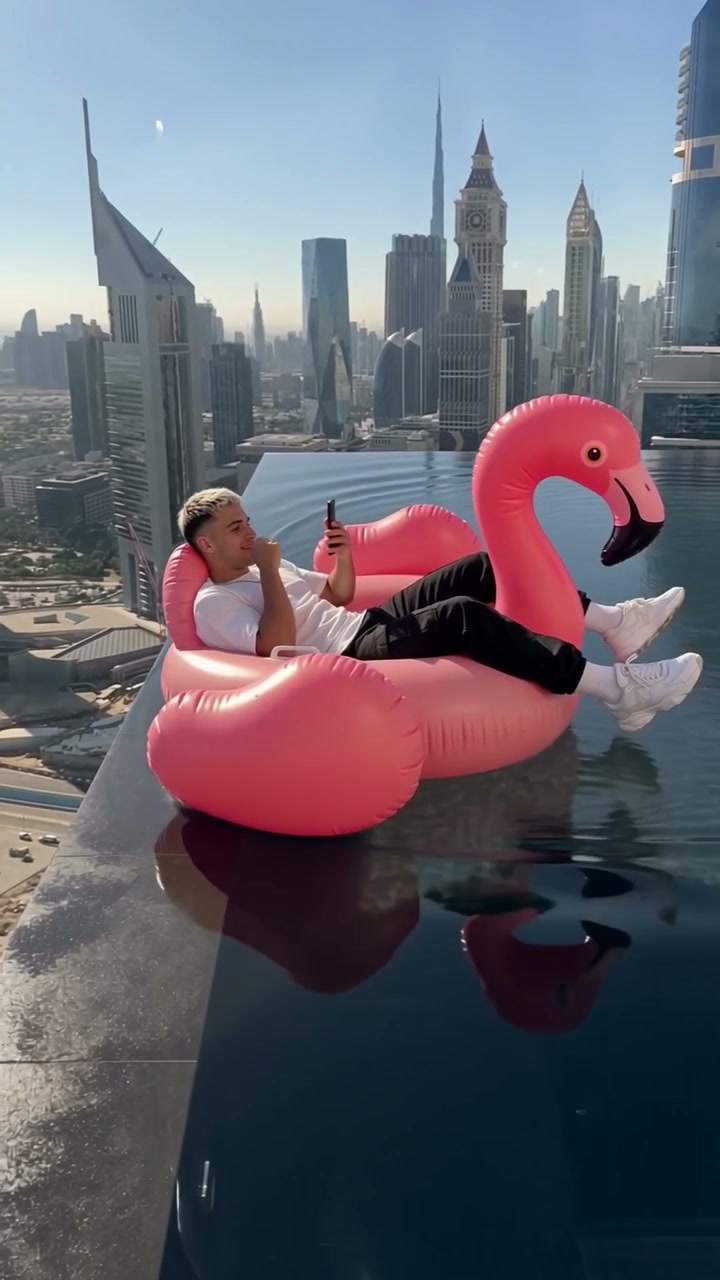
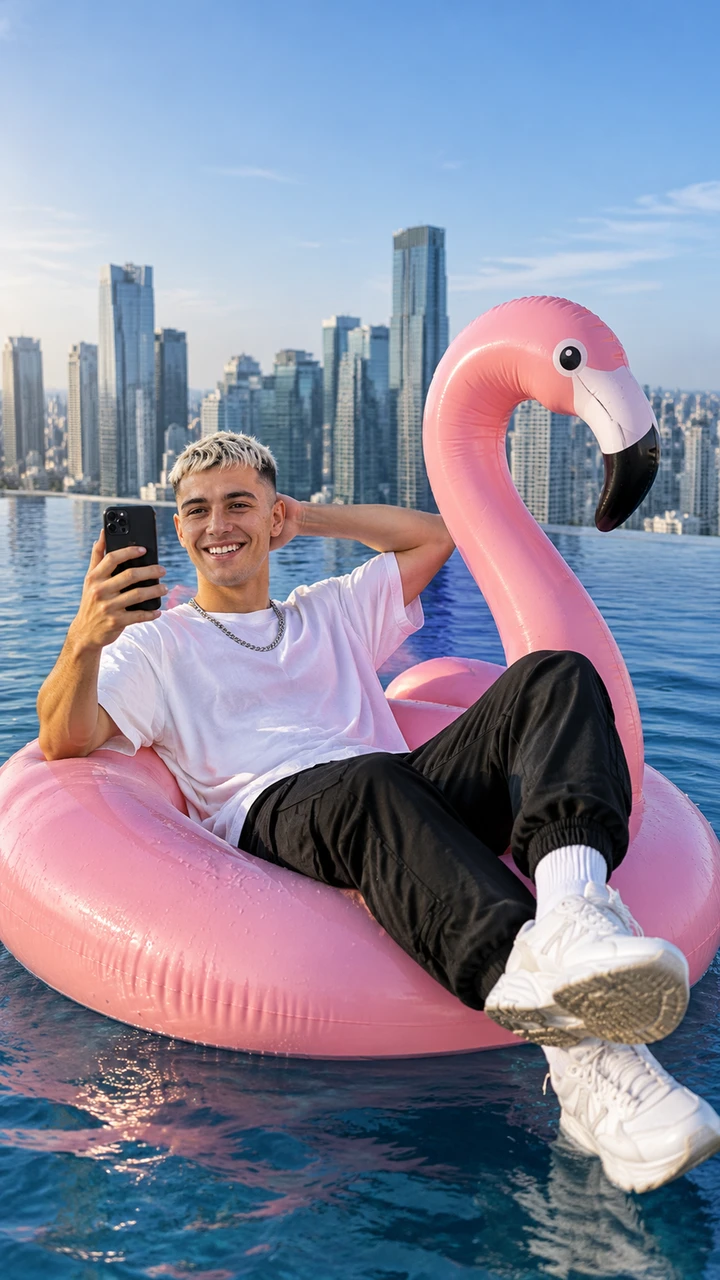
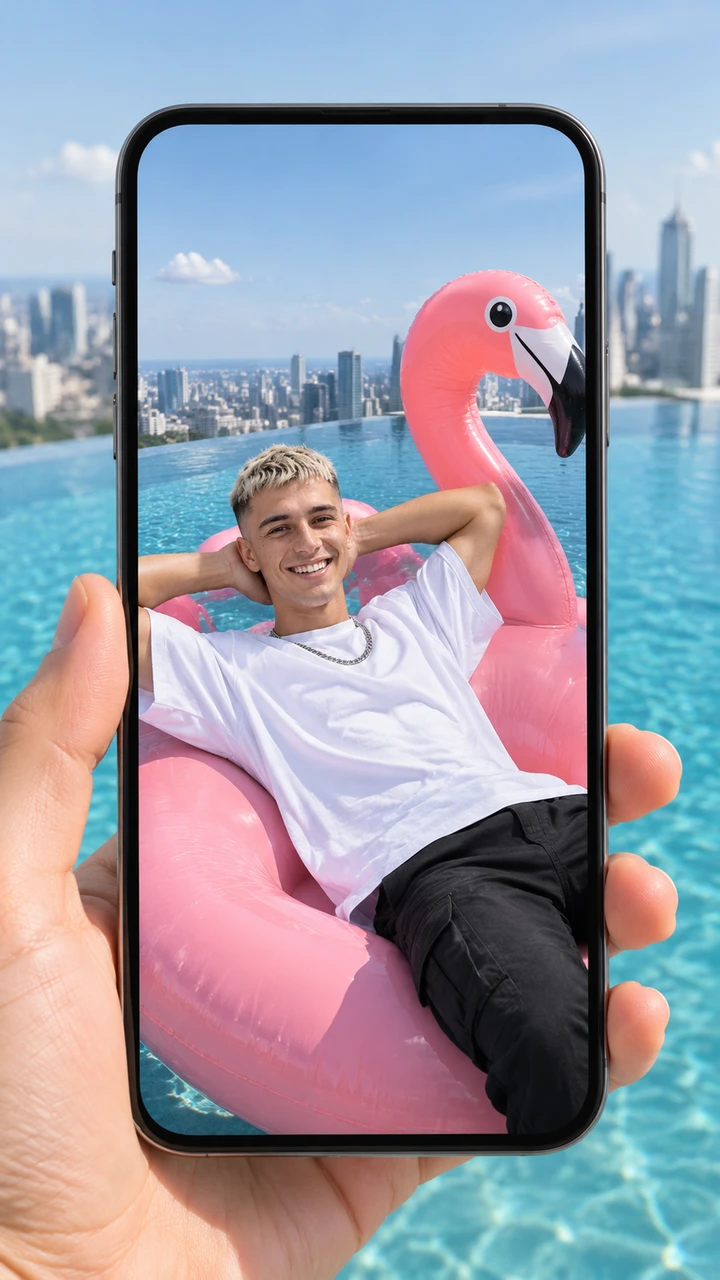
TryViralAI Flamingo Float AI puts you on the giant pink flamingo float in your own clothes with your phone up in a rooftop infinity pool with the city skyline behind it. An off-camera hand shoves the float, you slide to the edge, catch hold of it and laugh at the lens, let go and drift off until the flamingo noses forward over the far infinity edge to the trend's sound. One photo makes a 12-second vertical 9:16 video for TikTok and Reels at 720p for $9.90, with guest checkout in your web browser and no app to install.

Flamingo Float AIThis effect is built into the page and cannot be removed.
12s · 9:16

A person 18 or older, a cartoon or game character, or a pet, with the face clear and in good light.

No account needed: pay once and your video starts right here.

What Happens in a Flamingo Float AI Video?

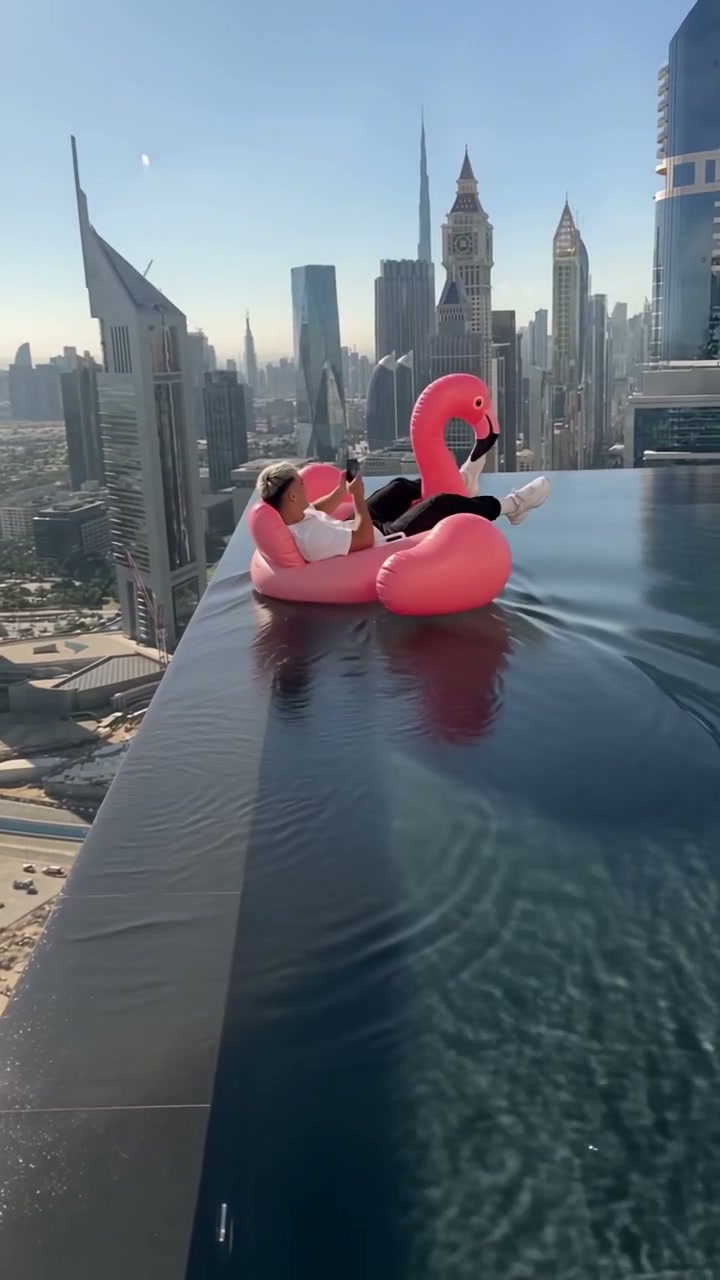
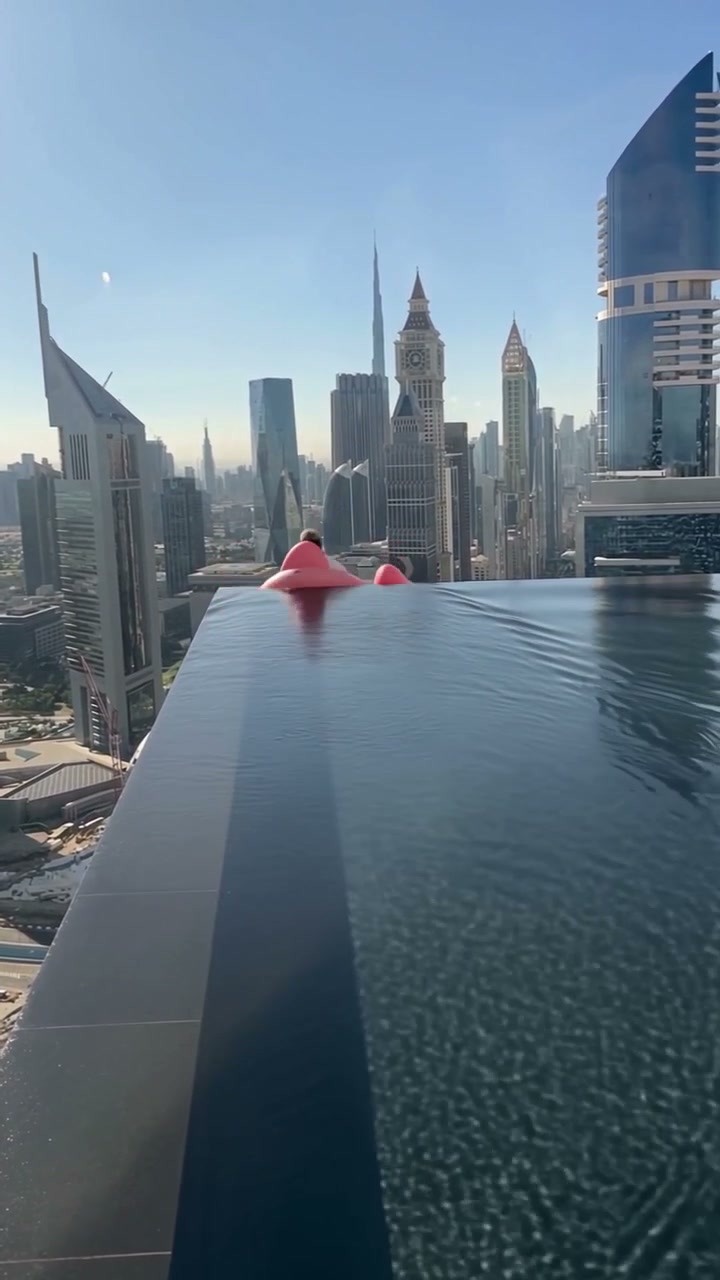
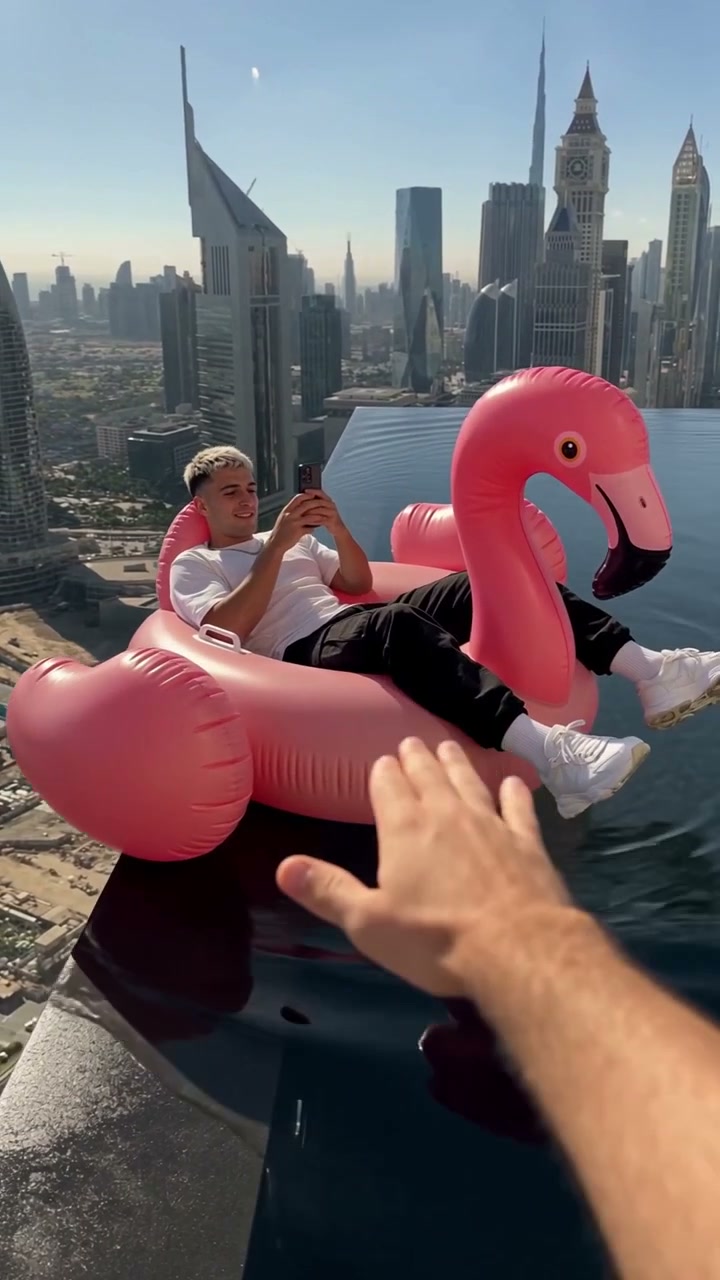
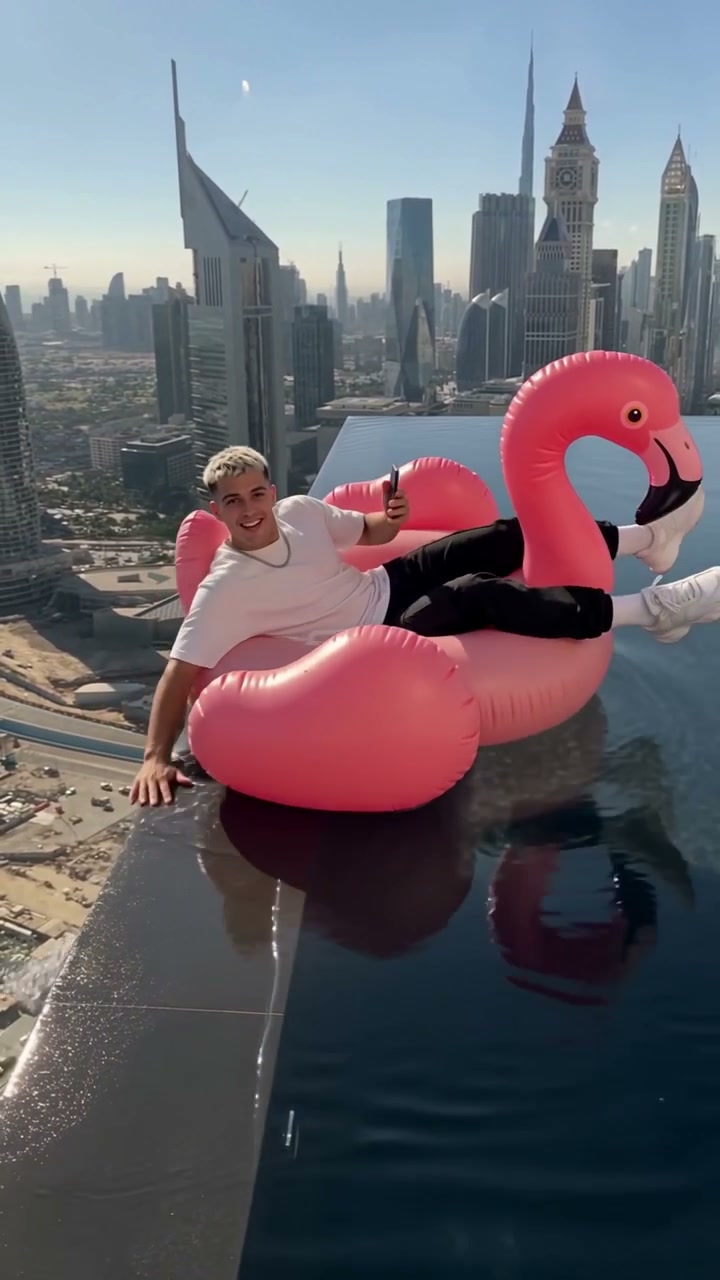
Flamingo Float AI is a video trend where you stretch out on a giant pink flamingo float with your phone in a rooftop infinity pool with the city skyline behind it. At about 3 seconds, an off-camera hand reaches in and shoves the float as the sound plays "Hey bro, bro, bro". You slide to the pool's edge at about 5 seconds, catch hold of it, and laugh at the lens as the sound plays "Hey, thank you, thank you". From about 7 seconds, you let go and float off down the pool toward the far edge, and the flamingo noses forward over the far infinity edge just as the clip ends, in one continuous handheld shot with no cuts and the trend's sound underneath.

One photo puts anyone on the float. You can use a photo of yourself, a friend with their say, a cartoon or game character, or your dog or cat. Any person in the photo is 18 or older. The template keeps the outfit from your photo and puts a phone in hand, so you ride the giant pink flamingo float in your own clothes just like the original.

On November 2, 2026 Younes Zarou shared the original clip on TikTok with the caption "Thank you bro". Three days later, TikTok counted over 24 million views and Instagram counted over 3 million likes for that clip. By the next day, CapCut offered templates named "Thank you bro" and "infinity pool trend". London Music Works' "Under the Sea - Instrumental" runs under the post with the two spoken lines on top, and the top comment, "hey brooo", passed 210,000 likes. People also call this the infinity pool flamingo trend and the Hey Bro Thank You Bro trend.

TryViralAI makes your scene ready for TikTok and Reels from that single upload. The rooftop infinity pool, the giant pink flamingo float, the push, the drift, and the trend's sound all come built into our Flamingo Float AI template. You get one 12-second vertical 9:16 video in 720p, with no watermark on exported video. One video uses 500 credits, so $9.90 buys your video with guest checkout right in your web browser.

Key Features of Flamingo Float AI

Match Every Beat of the Push and Thank You

An off-camera hand shoves the float right as the audio track says "Hey bro, bro, bro". Our Flamingo Float AI times your grab at the pool edge and your laugh into the lens right to the words "Hey, thank you, thank you".

Match Every Beat of the Push and Thank You
Drift Across the Rooftop Infinity Pool

Drift Across the Rooftop Infinity Pool

You let go of the edge and drift down the rooftop infinity pool with your phone held high. Our Flamingo Float AI noses the giant pink flamingo float forward over the far infinity edge right as the clip ends.

Keep Your Own Clothes and Phone

Stretch out on the giant pink flamingo float in the outfit from your photo with your phone in hand. Our Flamingo Float AI also lets a friend, your dog or cat, or a cartoon or game character take the ride instead.

Keep Your Own Clothes and Phone
Export Clean 720p Clips for TikTok and Reels

Export Clean 720p Clips for TikTok and Reels

Download a 12-second vertical 9:16 MP4 with the trend's sound running under and no watermark on exported video. Our Flamingo Float AI renders your 720p video in your web browser with nothing to install.

Use the Flamingo Float AI Template for the Infinity Pool Flamingo Trend

Friends

Feature the Friend Who Always Says Thanks

Turn a photo of your friend into the star of the scene with their say. They grab the edge, laugh at the camera, and drift toward the far infinity edge.

Pet Accounts

Put Your Pet on the Flamingo Float

Add one photo of your dog or cat to place them on the giant pink flamingo float. They experience the shove, slide to the edge, and float away against the city skyline.

Content Creators

Star in Your Own Rooftop Morning

Upload a photo of yourself in your favorite outfit to see yourself on the float with your phone held up. You become the main character of this 12-second trend for TikTok and Reels.

Character Fans

Bring a Character to the Pool

Use a picture of a cartoon or game character to join the trend. Watch as they take the push, catch the pool's edge, and drift off toward the far horizon.

How to Make Your Flamingo Float AI Video

Step 1

Upload Your Photo

Step 1: Upload one photo of yourself, a friend with their permission, your dog, your cat, or a cartoon or game character, and tick the box to confirm any person in the photo is 18 or older.

Step 2

Review the Price

Step 2: Check the $9.90 price on the Create button, which covers one 12-second vertical Flamingo Float AI video using 500 credits.

Step 3

Generate and Download

Step 3: Press Create to pay as a guest and download your finished 12-second MP4, featuring the rooftop infinity pool, the giant pink flamingo float, and the trend's sound.

Get Your Flamingo Float AI Video for $9.90

One 720p Flamingo Float AI video costs 500 credits, which is exactly what you get in our $9.90 pack. You can use guest checkout with no sign-up, and the Create button shows you the price before you pay. If a render fails, the credits return to your balance on their own, and the TryViralAI pricing page shows every other pack and plan.

Flamingo Float AI FAQ

What happens in a Flamingo Float AI video, second by second?

One continuous shot in the rooftop infinity pool puts you on the giant pink flamingo float. From 0 to 3 seconds, you stretch out on the float with your phone held up while drifting toward the camera. From 3 to 5 seconds, an off-camera hand shoves the float to the sound of "Hey bro, bro, bro." From 5 to 7 seconds, you slide to the pool's edge, catch hold of it, and laugh at the lens to "Hey, thank you, thank you." From 7 to 11 seconds, you let go and drift off down the pool. From 11 to 12 seconds, the flamingo noses forward over the far infinity edge just as the clip ends.

Does the float really tip over the far edge?

Yes. After you catch hold of the edge and laugh, you let go and drift off down the pool. The flamingo then noses forward over the far infinity edge exactly as the clip ends, just like the original.

Whose voice says "hey bro" and "thank you", and what is the song?

Both lines are part of the trend's sound that runs under every video from the first second. The sound consists of London Music Works' "Under the Sea - Instrumental" with "Hey bro, bro, bro" and "Hey, thank you, thank you" spoken on top.

Where did the flamingo float clip come from?

Younes Zarou shared the original clip on TikTok on November 2, 2026. By November 5, 2026, the clip had over 24 million views on TikTok and over 3 million likes on Instagram. Following its success, CapCut released templates that turn a photo into this scene, and remakes with new riders followed.

Why is everyone commenting "hey brooo"?

It is the top comment on the original post with more than 210,000 likes. Viewers enjoy the trend and often joke about the float heading straight for the other edge.

What else do people call it?

People call it the infinity pool flamingo trend or the Hey Bro Thank You Bro trend. Our Flamingo Float AI template creates this video for you using one photo.

One photo or several?

One photo is all you need. The person in your photo rides the giant pink flamingo float. For the best result, use a photo with the face clear and well lit.

What will I be wearing on the float?

You will be wearing the exact outfit from your photo. You will also hold your phone in your hand, just like in the original trend.

Can a friend, my dog or a cartoon character ride the float?

Yes. You can use a photo of yourself, a friend with their say, a dog, a cat, or even a cartoon or game character. Ensure any person in your photo is 18 or older.

Do I need the CapCut template, an app or an account?

No. The rooftop infinity pool, the float, the push, the drift, and the trend's sound are all included in our Flamingo Float AI template. You do not need to use any CapCut template, prompt, or external app. It runs directly in your web browser. When you press Create and pay as a guest, your video begins, and you can add it to your account via the link in your receipt email.

How much does one Flamingo Float AI video cost?

One 720p video costs $9.90, which uses the 500 credits found in our $9.90 pack. We offer packs ranging from 500 credits for $9.90 to 4,400 credits for $69.90, as well as monthly plans. Credits from a pack last for 365 days. The Create button displays the price before you pay, and if a render fails, your credits return automatically. You can view all options on the TryViralAI pricing page.

What do I download, and does it fit TikTok and Reels?

You download a 12-second vertical 9:16 MP4 file. It comes in 720p with the trend's sound already included and no watermark on the exported video, making it ready for TikTok and Reels.

What happens to my photos?

TryViralAI does not run facial recognition on your uploads and does not keep biometric data. We never sell personal information. Your photos and videos remain in your account, and we delete them whenever you ask.

Which other templates are on TryViralAI?

You can try Giant Ramp Climbing AI to sprint up a wall and backflip, or LEGO Truck Wash AI to have a minifigure crew clean your vehicle. See the TryViralAI trends page for a full list of available templates.

Make Your Flamingo Float AI Video Today

Use our Flamingo Float AI template to pick who gets the float, take the push, say thanks with a laugh and drift toward the far edge in a 12-second vertical 720p video for TikTok and Reels with the trend's sound for $9.90 paid as a guest.